Image Editing Tips & Guides
Clear, practical guides for background removal, transparent PNGs, product photos, and browser-based editing.
-
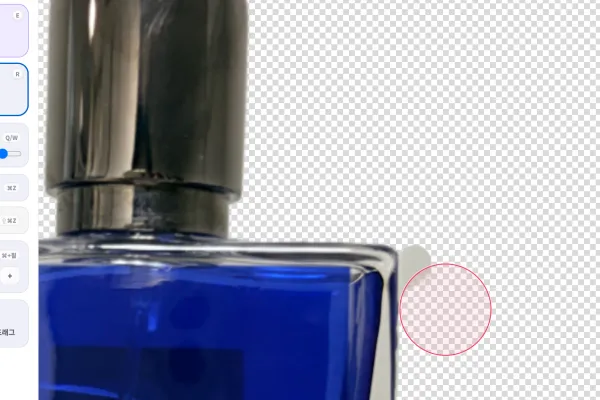
Eraser Shortcuts for Cleaning Up AI Background Removal Results
Use E, R, Q/W, Space, and Ctrl/Cmd plus wheel in Nukkimon's eraser editor to clean up transparent PNG edges faster.
-
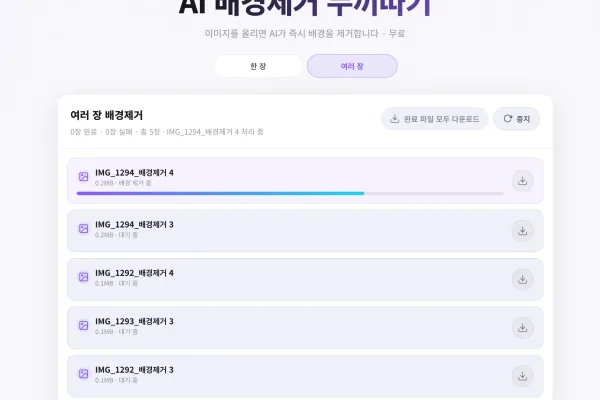
Batch Background Removal: When to Remove Backgrounds from Multiple Images
Learn when batch background removal saves time for product photos, thumbnails, profile images, and transparent PNG workflows.
-
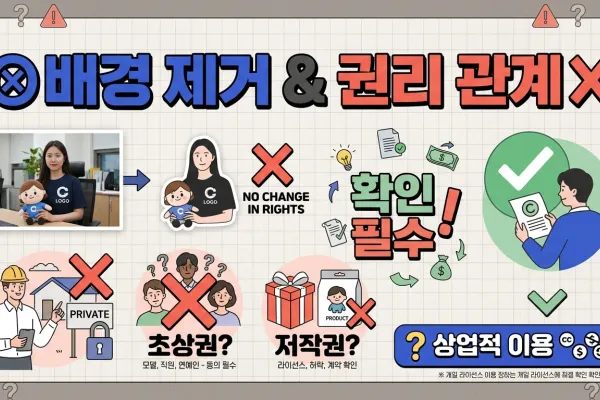
Can You Use a Background-Removed Image Commercially?
A practical copyright, portrait rights, trademark, and licensing checklist before using background-removed images in ads, shops, thumbnails, or product pages.
-
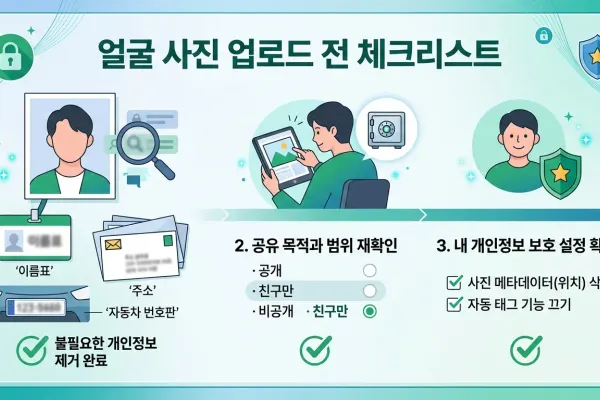
Face Photo Privacy Checklist Before Using an Online Image Tool
Before editing face photos online, check for IDs, addresses, license plates, EXIF metadata, reflections, and other privacy risks.
-
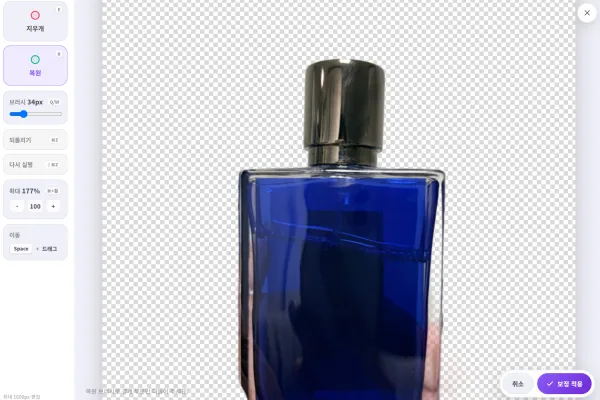
Manual Background Removal Cleanup: How to Fix Rough AI Edges
Use Nukkimon's eraser and restore brush to clean leftover background, repair missing subject areas, and export a better transparent PNG.
-
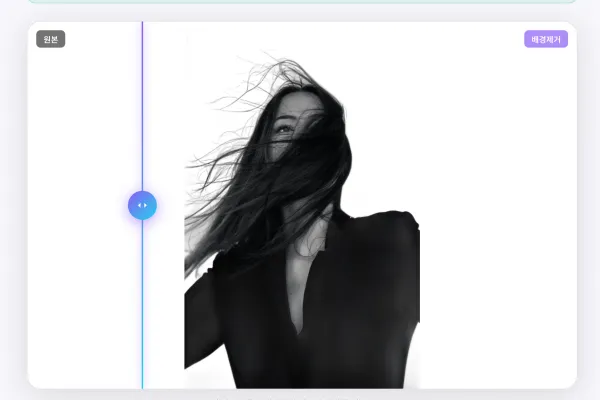
Why AI Background Removal Fails and How to Get Better Results
Hair, glass, shadows, low contrast, and low-resolution photos can make AI background removal look rough. Learn how to choose better images.
-
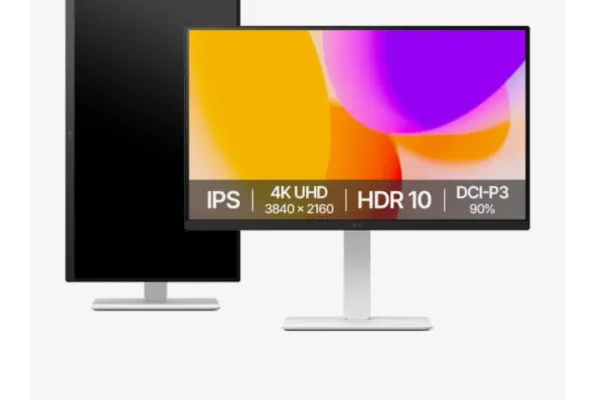
Product Photo Background Removal for Online Store Listings
Before using background-removed product photos in an online store, check image rights, platform rules, photo quality, and edge cleanup.
-
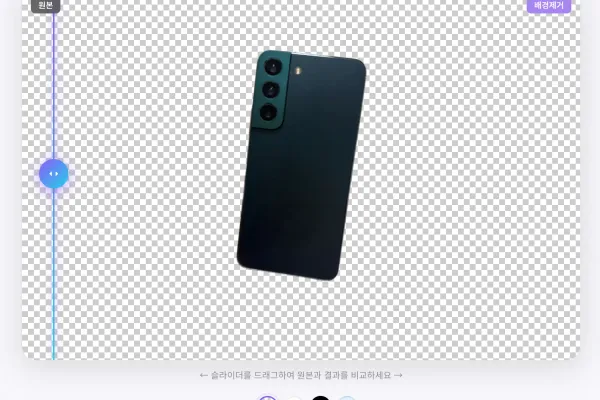
Transparent PNG vs JPG with White Background: Which Should You Download?
Understand when to use transparent PNG, white-background PNG, JPG, or WebP after removing an image background.
-

How to Make a Baby or Pet Sticker from a Photo
Create a transparent PNG sticker from a baby, child, or pet photo using AI background removal, then use it in messages, designs, or printable projects.
-

How to Make a YouTube Thumbnail Cutout with a Transparent PNG
Create a bold YouTube thumbnail by removing the background from a person or object, exporting a transparent PNG, and placing it in a design tool.
-
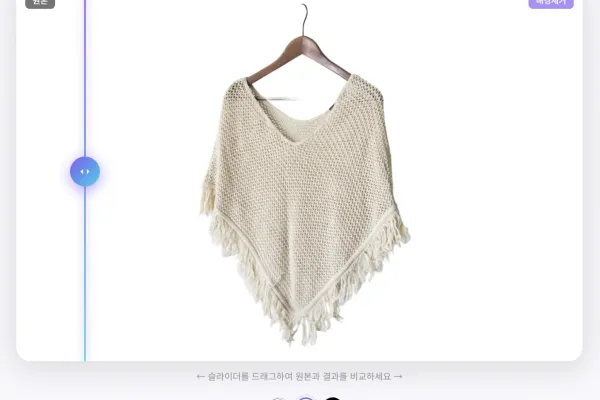
Product Photo Editing Tips for Clothing and Online Shops
Improve clothing and ecommerce product photos with better shooting, AI background removal, edge cleanup, and file optimization.
-
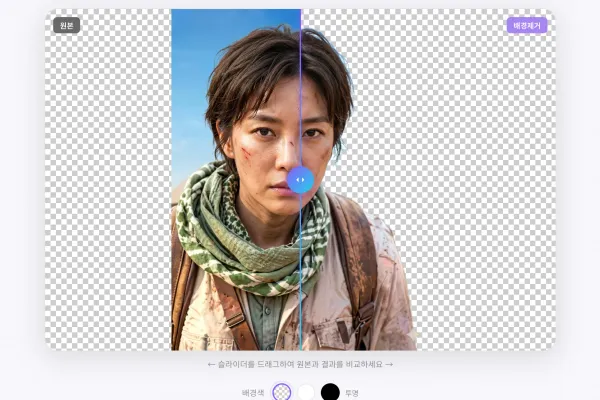
Free AI Background Remover Guide: Create Transparent PNGs Online
Learn how to remove image backgrounds online without Photoshop, create transparent PNGs, protect privacy, and avoid common quality problems.