Cute photos of babies, children, and pets often make great stickers. The key is to remove the background cleanly and save the subject as a transparent PNG.
With Nukkimon, you can create a sticker source image in your browser without installing design software.
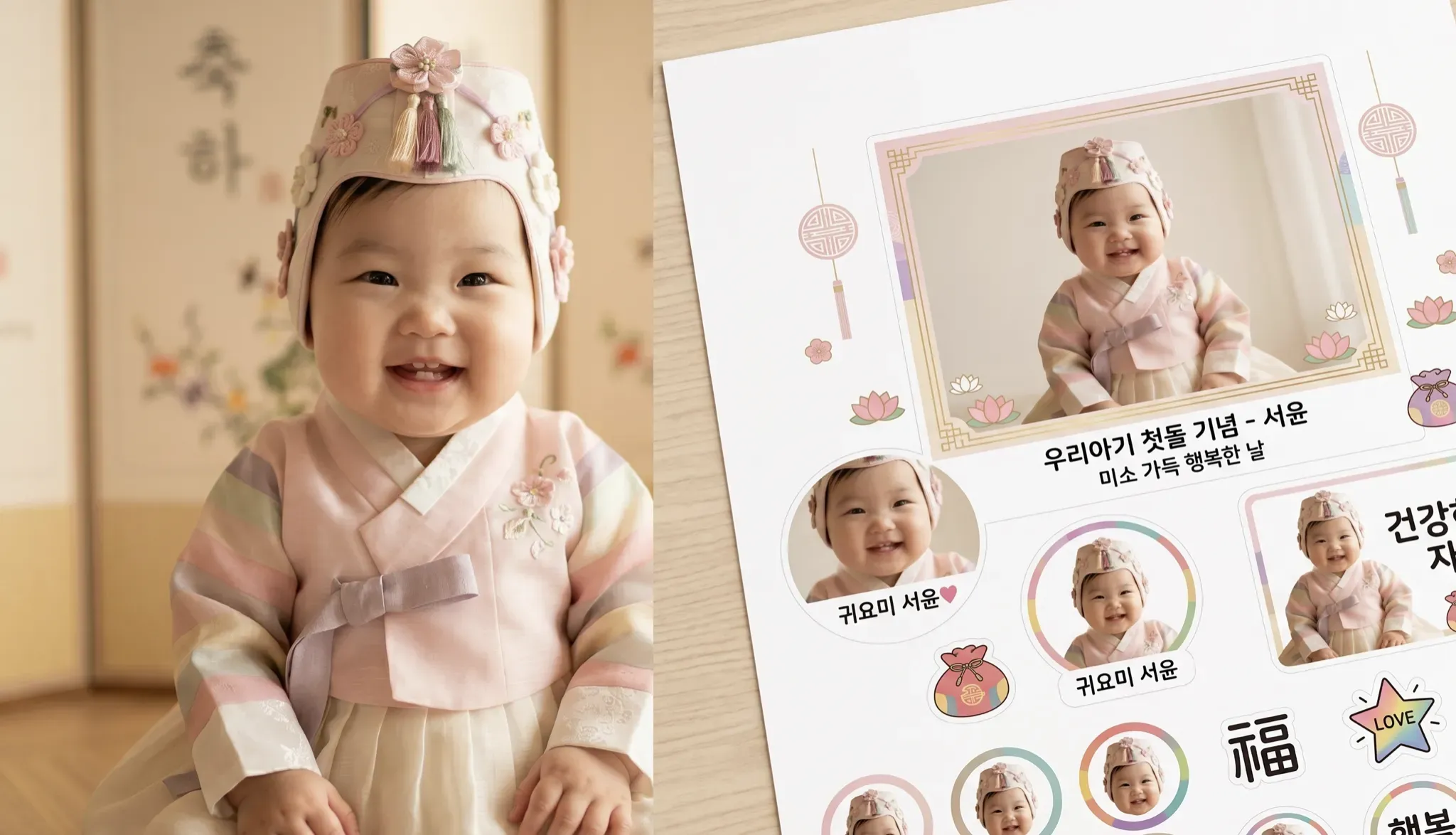
1. Choose a good photo
The sticker will only look as good as the source photo. Choose an image where:
- the face or subject is sharp
- the background is not too busy
- the subject is not cropped off
- hair, ears, hands, or paws are visible
- the lighting is bright and natural
For babies and children, avoid photos that include school names, addresses, ID tags, or other private details.

2. Remove the background
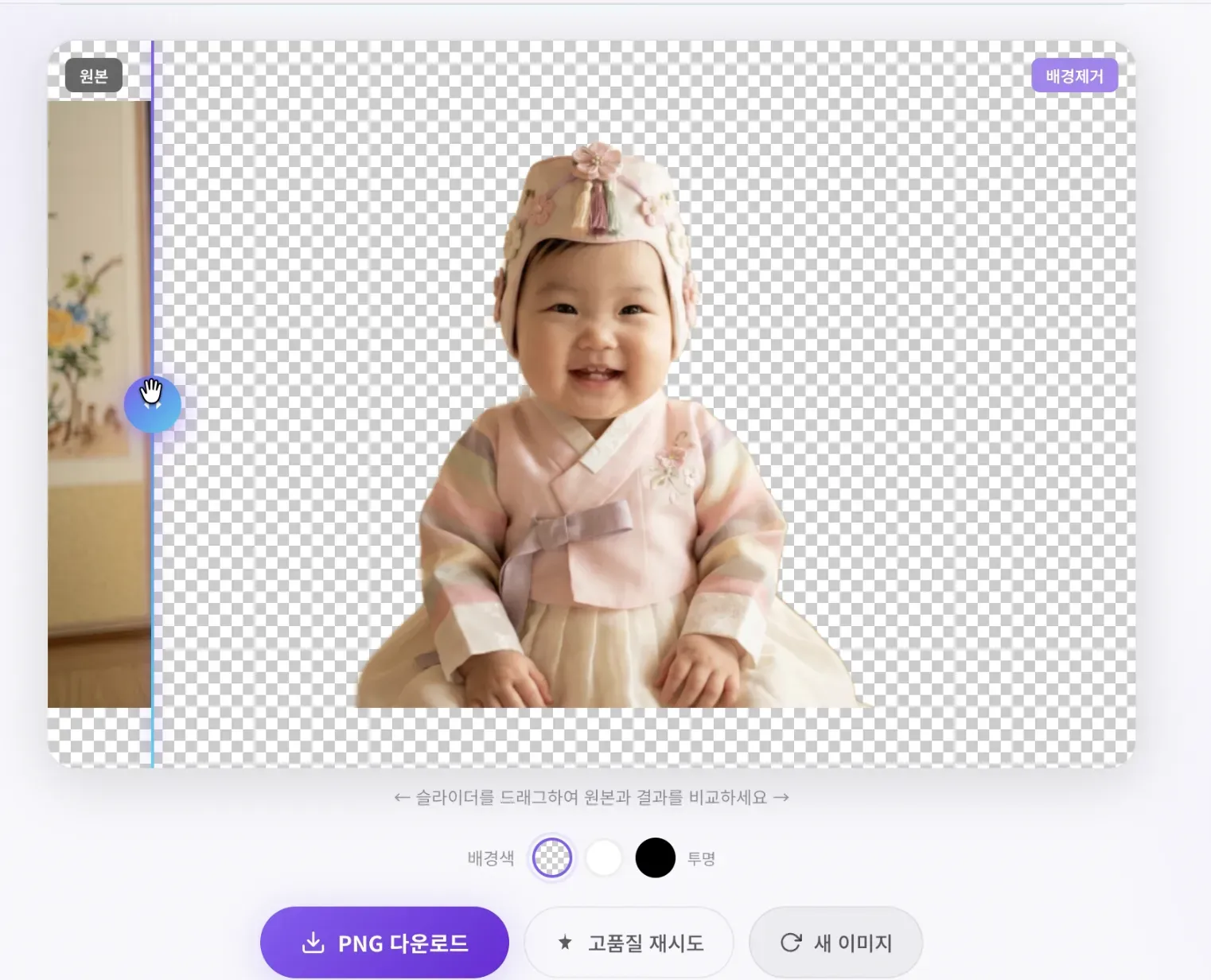
Open Nukkimon, upload the photo, and wait for AI to remove the background. The tool is designed to process images in your browser, so the original photo is not stored on our server.

If the edge looks rough, use the eraser editor to clean leftover background or restore any missing part of the subject.
3. Download a transparent PNG
For stickers, choose transparent PNG. A transparent background makes it easier to place the cutout on messages, cards, invitations, thumbnails, or printable designs.
4. Add a border or text in a design tool
Nukkimon creates the transparent cutout. If you want a classic sticker look, open the PNG in a design tool and add:
- a white outline
- a soft shadow
- a short caption
- a pastel background
- rounded sticker frames
Canva, Figma, PowerPoint, Photopea, and many mobile design apps can do this.
Privacy tips for family photos
Before making a sticker from a baby or child photo, check:
- whether the image will be shared publicly
- whether names, uniforms, school logos, or addresses are visible
- whether other children are in the photo
- whether the file will be uploaded to another service afterward
Use a cropped photo that shows only what you want to share.
Related tools and guides
FAQ
Which format should I download?
Use transparent PNG. It preserves the cutout and works well in design tools.
Can I make pet stickers too?
Yes. Pets often work well if the photo is sharp and the fur has contrast against the background.
Can I use the sticker commercially?
Only if you have the rights to the original photo and any visible character, logo, or design element.