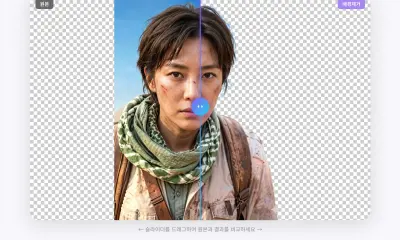
After removing an image background, the next question is often: should you download a transparent PNG, a white-background image, JPG, or WebP?
The best format depends on where the image will be used. A product listing, presentation, thumbnail, profile photo, and website all have different needs.
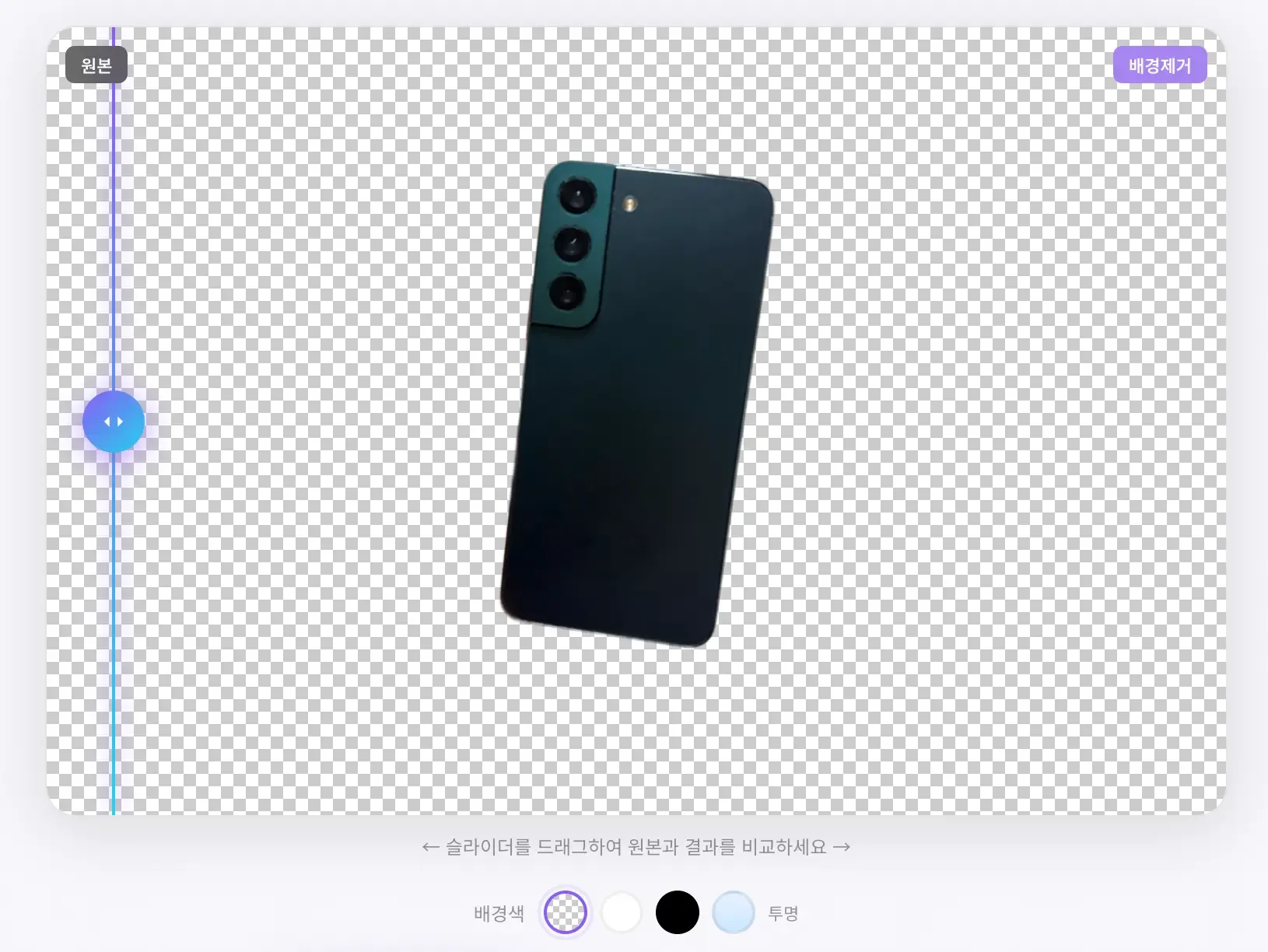
Use transparent PNG when you need flexibility
Transparent PNG is the safest choice when you want to reuse the cutout in other designs. It keeps the subject and removes the background completely.
Use transparent PNG for:
- product cutouts
- YouTube thumbnails
- presentation slides
- stickers and social graphics
- Canva, Figma, Photoshop, or Photopea editing
- website hero images and marketing graphics
The tradeoff is file size. PNG can be larger than JPG or WebP, especially for large photos.
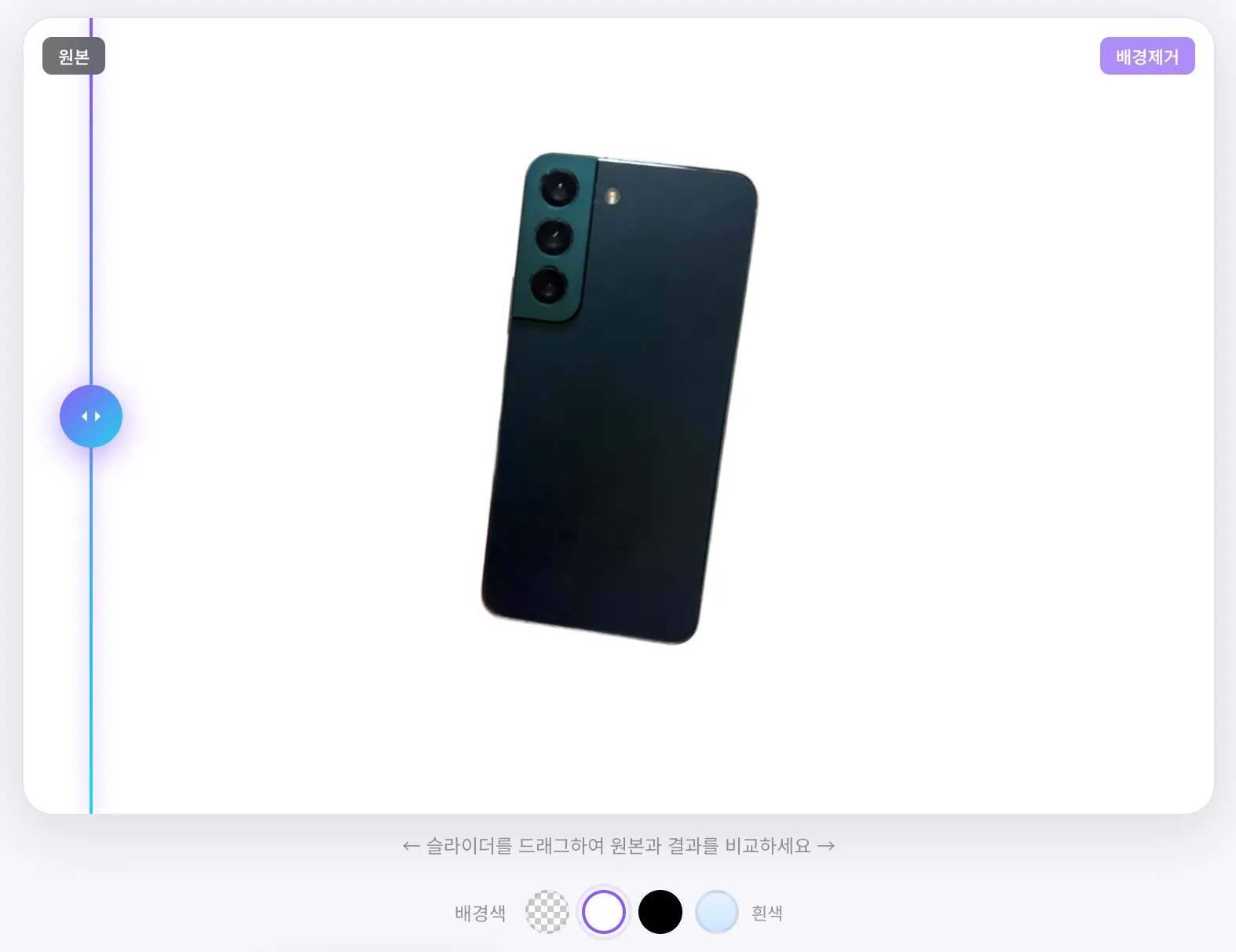
Use a white background for listings and documents
Some platforms and documents expect a white or solid background. In that case, a transparent file may not be ideal because the final background can vary depending on the app that opens it.
Use a white background for:
- online store product photos
- resume or profile photos
- application forms
- document attachments
- marketplaces that require clean white images
Before submitting, always check the platform’s current image requirements. Size, ratio, file type, and background rules can vary.
JPG is smaller, but it does not support transparency
JPG is useful when file size matters and you do not need transparency. It works well for photos, profile images, and web uploads.
However, JPG cannot store transparent pixels. If you save a cutout as JPG, the transparent area must become a solid color, usually white.
Use JPG when:
- the final background is white or another fixed color
- file size needs to be small
- the image is photo-based
- transparency is not required
WebP is efficient for websites
WebP often provides smaller files than PNG or JPG while keeping good visual quality. It also supports transparency.
Use WebP when:
- you are preparing images for a website
- you need smaller file sizes
- the target platform supports WebP
- you want transparency with better compression than PNG
For maximum compatibility, PNG and JPG are still easier for general sharing.
Quick decision guide
| Use case | Recommended format |
|---|---|
| Design source file | Transparent PNG |
| Product cutout for later editing | Transparent PNG |
| Online store white-background image | White-background PNG or JPG |
| Resume or application photo | JPG or white-background PNG |
| Website image with transparency | WebP or PNG |
| Small file for sharing | JPG or WebP |
Related tools and guides
FAQ
Why is my transparent PNG file large?
PNG preserves transparency and sharp details, but it can create larger files. Compress it or use WebP if the platform supports it.
Can JPG have a transparent background?
No. JPG does not support transparency. Use PNG or WebP for transparent backgrounds.
Which format is best after background removal?
Use transparent PNG for flexibility. Use JPG or white-background PNG when the final background should be fixed.