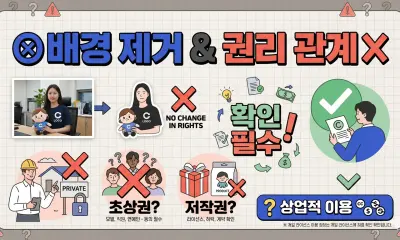
Clean product photos help shoppers understand what they are buying. A white or transparent background keeps attention on the product and makes a store look more consistent.
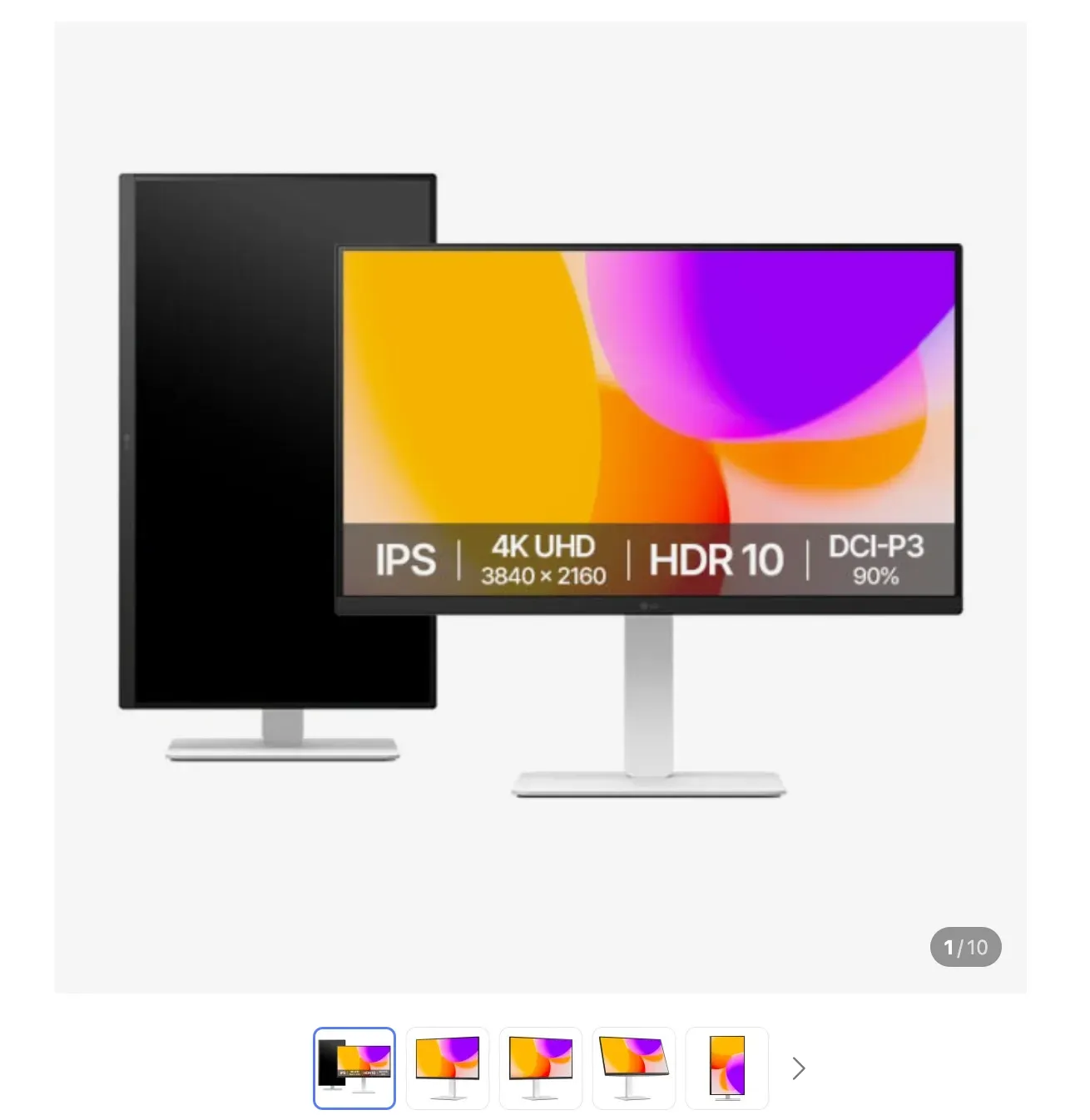
Can you use a background-removed image for an online store? Yes, if you own the photo or have permission to use it. But you still need to check platform rules, rights, and image quality.
Start with image rights
Selling a product does not always mean you can freely use every image of that product. Supplier images, brand photos, studio photos, and marketplace images may have usage limits.
Check:
- Did you take the photo yourself?
- Did the supplier allow online sales use?
- Is a model’s face visible, and do you have permission?
- Are logos, characters, or trademarks emphasized?
- Did the image come from another store or social account?
Removing the background does not remove those rights issues.
Why white backgrounds are common
White backgrounds make products easier to compare and keep category pages visually consistent. They also work well on mobile, where shoppers scroll quickly and images need to be instantly readable.
White is not always perfect, though. White clothing, glass, metallic products, and reflective items may lose their edge on a pure white background. In those cases, lighting, shadow, and contrast matter.
Shooting tips before background removal
Better input photos produce better cutouts. Before editing, try to:
- keep the full product inside the frame
- use a simple background
- create clear contrast between product and background
- reduce harsh shadows and reflections
- make logos and details sharp
- use the highest-quality original file available
For clothing, bags, accessories, and textured items, high resolution helps preserve edge detail.
What to check before uploading
Before publishing a background-removed product image, inspect:
- whether the product color still looks accurate
- whether the edge has a white outline or rough cut
- whether AI removed an important product detail
- whether the image ratio and resolution fit the platform
- whether the file size is reasonable for page speed
If the image is important, use the eraser editor to clean holes, edges, and reflective areas.
Processing multiple product photos
If you need a main image and several detail images, batch background removal can save time. Nukkimon supports up to 10 images on desktop and up to 5 on Android.
For high-resolution product photos, process a smaller batch if the browser slows down. For final hero or listing images, use manual cleanup after AI removal.
Related tools and guides
- AI background remover
- Batch background removal guide
- Can you use background-removed images commercially?
- Free image compressor
FAQ
Can I use supplier images after removing the background?
Only if the supplier or rights holder allows that use. Editing the image does not create permission.
Is transparent PNG or white background better for product photos?
Transparent PNG is better as a reusable source file. A white-background image is often better for final marketplace uploads.
Should I compress product images?
Yes, if the platform allows it and visual quality remains acceptable. Smaller files can improve page loading.